
Choose
Your Tool
Start Here
Explore All Tools

TL;DR

Three things to know before you begin
Every one of the five tools on this page produces the same NASF-based space program output — a defensible, board-ready document grounded in the same fifty-year methodology. The only difference is where you start. If you have never written a building program, the Guided Interview walks you through every question. If you are an architect with your own data, the Spreadsheet Builder puts you directly in control of NASF category inputs. If you are still uncertain after reading the table below, follow the link at the bottom to the full intake-path guidance article — it will put you in the right seat in under five minutes.
A Familiar Moment
The Director, the Board Meeting, and the Right Starting Point
Consider a scenario we have seen play out in dozens of institutions: a library director sits down two weeks before a capital planning committee meeting, opens our tool landing page, and immediately reaches for the most feature-rich option on the list. It looks thorough. It asks for NASF allocation percentages by functional zone. It has a column for linear feet of compact shelving. She fills in what she can, leaves a third of the fields blank, and exports a document that the architect cannot use because the assumptions behind the blank cells are invisible. The board postpones the decision. Six months later, with a planning consultant now engaged, the same director completes the Guided Interview in forty minutes and produces a program the architect calls the clearest brief she has ever received.
That gap — between the tool that looks right and the tool that fits where you actually are — is precisely what this page is designed to close. The five tools below are not ranked by quality. They are differentiated by starting point, technical fluency, and the kind of institutional knowledge you are bringing to the table. Read the table. Find your row. Begin there.
Choose Your Tool
Same Output, Five Different Paths In
The five tools produce the same NASF-based space program output but are designed for different starting points and levels of technical fluency. Whether you are a first-time library director who has never encountered a building program, an architect who works from raw square footage data, or an institution arriving with a stack of prior planning studies, there is a path calibrated to what you already know and what you still need to establish. No path is harder or easier in any evaluative sense — they are simply optimized for different entry conditions. Choosing the right one shortens your time to a usable document and reduces the back-and-forth with your architect, board, or funding body.
Every output document is formatted against the same NASF categorical structure used by the American Library Association and embedded in the fifty-year Aaron Cohen Associates project record. That means the program your Guided Interview produces is directly comparable to the program your colleague's Spreadsheet Builder produces — same categories, same terminology, same defensibility in front of a capital review committee. The intake path is a matter of workflow, not of rigor.
What Each Path Delivers
Core Capabilities Across All Five Tools
Each intake path contributes a distinct set of capabilities to the final space program. The bars below represent how much of each capability each tool type activates by design. All five tools converge on the same defensible NASF output — but they activate these capabilities from different directions depending on your starting conditions and institutional context.
Structured question sequences that surface institutional needs even when the director cannot yet name them in planning terminology. Essential for first-time programs.
Parsing and translating existing planning studies, feasibility reports, and prior building programs into NASF-aligned categories without discarding institutional history.
Direct numerical input at the NASF category level for architects and engineers who arrive with their own measurement data and need a structured container, not a questionnaire.
Automatic cross-referencing of every input against ALA, ACRL, and Cohen Associates benchmark ranges to flag outliers before they reach a board presentation or bond campaign document.

Planning in Context

The Five Tools Side by Side
Guided Interview
Best-fit user type: First-time library directors or non-technical buyers who have not previously worked through a formal space program. If you have a clear sense of what your library needs to do but have never translated that into net assignable square feet by functional zone, start here.
Typical time to completion: 30 to 45 minutes in a single session, with the option to save and return.
What you bring to it: Current headcounts, collection size in volumes, service hours, and a sense of which programs the library runs or aspires to run. No prior knowledge of NASF categories or space programming standards is required.
What you get out of it: A fully formatted NASF space program document with every category populated, benchmark comparisons flagged, and a written rationale for each allocation that you can present directly to a board, architect, or funding committee.
Best-fit guidance: If the phrase "net assignable square feet by functional zone" is unfamiliar, the Guided Interview is the right path. It is not a simplified tool — it is a tool that builds the technical framework around you as you answer questions about your institution in plain language.
Free-Form Description
Best-fit user type: Users who know their needs clearly and can articulate them in prose but are not familiar with the specific terminology or category structure of NASF space programming. This includes experienced library administrators, department heads, and community stakeholders who have strong operational knowledge but have not previously worked with a space consultant.
Typical time to completion: 20 to 35 minutes to write the description; the tool handles translation into NASF categories automatically.
What you bring to it: A written or spoken description of what the library currently does, what it needs to do in ten years, what is not working in the current building, and what populations it serves. No specific data or numbers are required at the outset, though adding them improves precision.
What you get out of it: An NASF-aligned space program derived from your description, with a translation log showing which phrases in your text mapped to which planning categories — giving you full transparency into the output logic.
Best-fit guidance: If you have already explained your library's needs clearly to a board or a dean and received an approving nod, you have everything this tool needs. Write it the same way and let the tool handle the standards alignment.
Document Upload
Best-fit user type: Institutions that have pre-existing planning documents — a prior needs assessment, a facility study, a programming report from a previous consultant engagement, or a master plan with space implications. This tool is particularly well-suited to institutions re-entering a planning process after a gap, or those whose prior work was conducted under different standards and needs to be reconciled with current NASF benchmarks.
Typical time to completion: 10 to 20 minutes to upload and annotate; the tool processes the documents and returns a draft program for your review and correction.
What you bring to it: Any prior planning documents in PDF or text format: needs assessments, feasibility studies, building programs, space utilization studies, enrollment or circulation data reports. The more complete the documentation, the more precise the output.
What you get out of it: A reconciled NASF space program that preserves the institutional knowledge embedded in your prior documents while correcting for outdated benchmarks, inconsistent terminology, and gaps in category coverage. Includes a reconciliation log showing what was retained, what was updated, and why.
Best-fit guidance: If your institution has been through a planning process before — even one that stalled or produced results you are not confident in — the Document Upload path extracts the value from that prior investment rather than discarding it.
Spreadsheet Builder
Best-fit user type: Architects, engineers, and project managers who are already working from their own data and need a structured, standards-compliant container for it. This tool is designed for professionals who understand square footage, occupancy loads, and functional adjacency and do not want a questionnaire standing between their data and the output document.
Typical time to completion: 15 to 45 minutes depending on the number of categories being populated and the completeness of the source data.
What you bring to it: Measured or estimated square footage by space type, occupancy counts, collection volume data, and any adjacency or stacking preferences. Familiarity with NASF categories is helpful but not required — the tool provides the category structure; you populate the numbers.
What you get out of it: A fully compliant NASF space program in the standard Aaron Cohen Associates format, with your data in every field, benchmark flags on any category that falls outside historical norms, and an export suitable for submission to a building committee or inclusion in an RFP package.
Best-fit guidance: If you are going to look at every cell in the spreadsheet anyway, the Spreadsheet Builder gives you direct control from the start. The validation layer catches errors without restricting input — you retain full authority over every number while the tool ensures the document meets board presentation standards.
Standards-Based Build-Up
Best-fit user type: Expert users — experienced library space planners, facility directors with multiple building programs on their record, and senior consultants — who want direct, unmediated control over NASF category inputs and are working from the standards literature rather than from institutional description or prior documents.
Typical time to completion: Variable; expert users typically complete a draft in 20 to 30 minutes, with subsequent revision cycles as assumptions are tested against institutional data.
What you bring to it: Working knowledge of NASF category definitions, familiarity with ALA and ACRL space benchmarks, and the specific institutional parameters — enrollment, collection size, service model, growth projections — that you intend to apply to each category calculation.
What you get out of it: A clean, unmediated NASF space program built from the category level up, with no interpretive layer between your inputs and the output. Every cell reflects a deliberate professional judgment. The output document is formatted to the same standard as every other tool's output and is equally defensible in a capital review.
Best-fit guidance: If you have built a space program before and you know exactly which NASF categories apply to this institution and at what allocation ratios, the Standards-Based Build-Up keeps you in the expert's seat throughout. It is not a more advanced version of the other tools — it is a different workflow for a different kind of knowledge.

Still Uncertain?
When the Table Does Not Settle It
Not every institution lands cleanly in one row of the comparison above. A library that has prior planning documents but also has a new director who has never read them is a reasonable candidate for either the Document Upload path or the Guided Interview. An architect who has the data but is not confident the institution's service model is correctly captured might start with Free-Form Description before moving to the Spreadsheet Builder. The tools are designed to work in sequence as well as independently.
If you have read the table and are still not certain which path fits your situation, the full intake-path guidance article walks through ten institutional scenarios in detail — describing the starting conditions, the decision logic, and the specific tool sequence that produced the best output for each. It is the closest thing to a conversation with a planning consultant without picking up the phone, and it takes about eight minutes to read.
For institutions whose complexity genuinely exceeds the self-serve tools — multiple branch facilities, bond campaign timelines under twelve months, collections requiring specialized environmental programming — a direct engagement with Aaron Cohen Associates is the right next step. We have guided hundreds of institutions through exactly this kind of planning from the earliest feasibility question through to the architect's schematic design. The tools are built on that record. So is every conversation we begin.
Related Resources
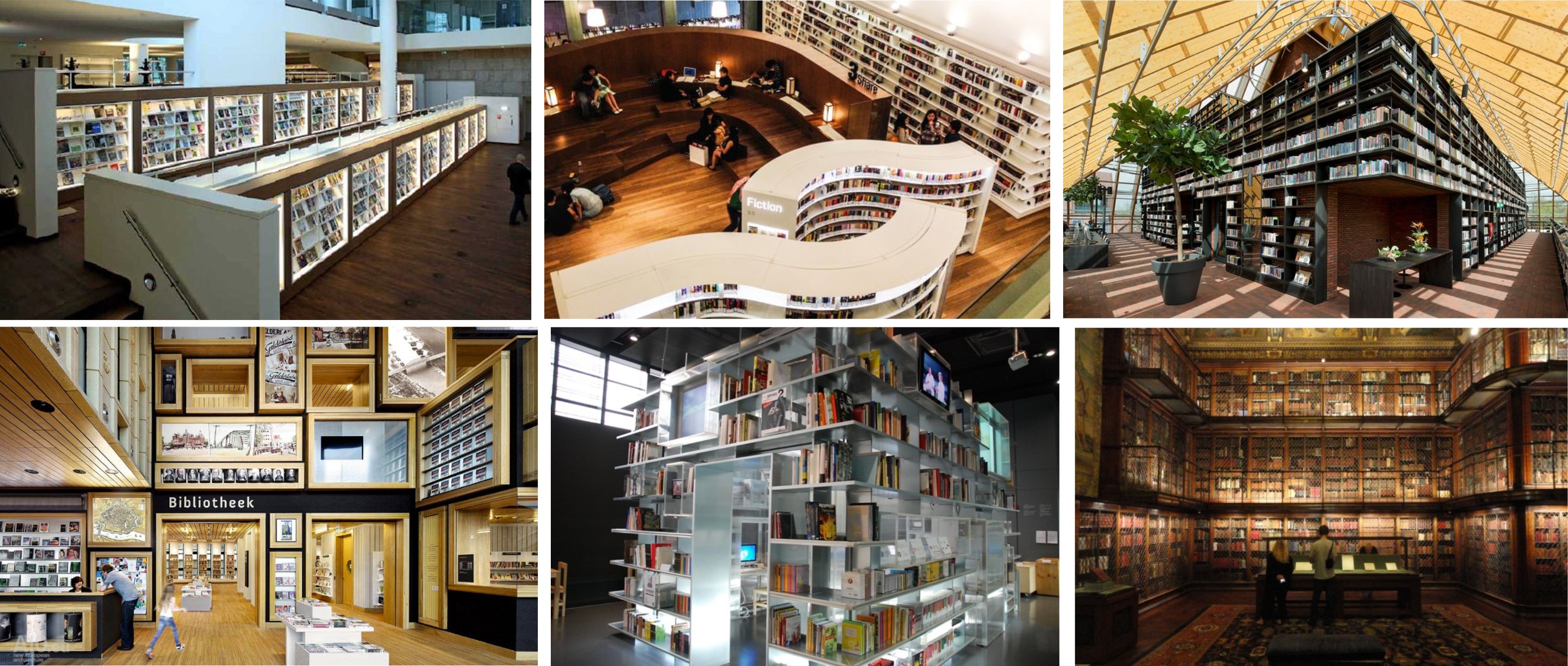
Deepen Your Planning Foundation
The five intake tools sit at the top of a planning infrastructure that has been assembled over fifty years of institutional engagements. The resources below are the most direct complements to the tool selection decision you are making on this page. Each one addresses a specific dimension of the question that the comparison table raises but cannot fully answer in a cell.
The Methodology explains the NASF standard and the proprietary fifty-year dataset that underpins every tool's output. If you need to defend the credibility of a space program to a skeptical board, start here before you start any intake flow.
Sample Programs shows completed output documents from prior engagements so you can inspect the quality and format of what the tools produce before committing time to any intake path. This is the most direct answer to the question every institutional buyer asks: what exactly will I have when this is done?
The Five Intake Tools page provides a full navigational hub for all five tools with brief orientation copy for visitors who have not yet read the comparison table. If a colleague or board member asks for a single link that explains the tool ecosystem, send them there.
Library Capital Planning Fundamentals grounds the tool outputs in the broader evidence base that capital campaigns require — feasibility study methodology, usage data frameworks, and return-on-investment models that convert a space program into a fundable project brief.
Cornerstone: Library Building Program Builder is the product that houses all five intake tools. If you are ready to begin and have already chosen your path, go directly there.